Understanding Modern Sound System Problems
Sound systems these days? They're a whole different ballgame compared to the old stereo setups. We've gone from CDs and vinyl to streaming music on our phones, and from simple wired speakers to intricate wireless networks. This leap forward, while awesome, brings its own headaches. Troubleshooting sound issues isn't just about checking wires anymore. Now, you might be wrestling with software bugs, battling wireless interference, or dealing with devices that just refuse to play nice together. Trust me, figuring out why your smart speaker won't connect to Wi-Fi is a lot different than fixing a blown fuse in your grandpa's vintage amp.
For example, I recently spent hours troubleshooting my high-end wireless headphones. They kept cutting out, and I was about to lose it. I tried everything: replacing the cable, fiddling with the Bluetooth settings on my phone, even doing a factory reset on the headphones. Finally, I realized it was interference from my Wi-Fi router! I moved the router a few feet, and the problem vanished. That kind of issue just didn't exist with older sound systems.
This complexity has definitely increased the demand for troubleshooting help. The global sound system market, driven by this very complexity, was valued around $25 billion in 2023 and is expected to hit $40 billion by 2032. Discover more insights about the sound system market. It's not just the sheer number of systems out there, it's how intricate they are and the sheer number of components that makes troubleshooting such a challenge.
Troubleshooting Wireless Connectivity
The sheer number of ways devices can connect now – Bluetooth, Wi-Fi, AirPlay – adds yet another layer to troubleshooting. Each method has its quirks and potential breaking points. Are your headphones using Bluetooth 5.0 while your phone only supports 4.2? There's your connectivity problem. Trying to stream high-res audio over a busy Wi-Fi network? Get ready for dropouts and frustration. Understanding these technologies is key to effective troubleshooting. Our blog post on wireless mic setup can help you navigate the wireless audio world. And if you're looking for specific gear, check out our selection of wireless microphones on Gearsupply.
This isn't just a consumer-grade issue either. Professional sound systems are also getting increasingly complex, with digital signal processing, network integration, and advanced control software. So, solid troubleshooting skills are essential for anyone working with audio, whether you're a home enthusiast or a live sound engineer. Explore our model index page for resources for your specific sound system.
Let's take a look at some common issues in the table below. It breaks down the frequency, difficulty level, and usual causes of these problems. This can help you prioritize your troubleshooting efforts.
To help illustrate these common problems, I've put together a table summarizing the most frequent issues and their typical causes.
Common Sound System Problems by Category
| Problem Type | Frequency | Difficulty Level | Typical Cause |
|---|---|---|---|
| No Sound | High | Low to Medium | Loose connections, power issues, muted device |
| Distorted Sound | Medium | Low to High | Overdriven amplifier, blown speaker, faulty cable |
| Intermittent Sound | Medium | Medium to High | Loose connections, wireless interference, software glitches |
| Connectivity Issues | High | Low to High | Incorrect pairing, outdated drivers, incompatible devices |
| Humming/Buzzing | Medium | Low to High | Grounding problems, interference from other electronics |
So, as you can see, troubleshooting modern sound systems can be a bit of a puzzle. But understanding the basics, and knowing what to look for can make things a lot easier.
Essential Tools and Preparation
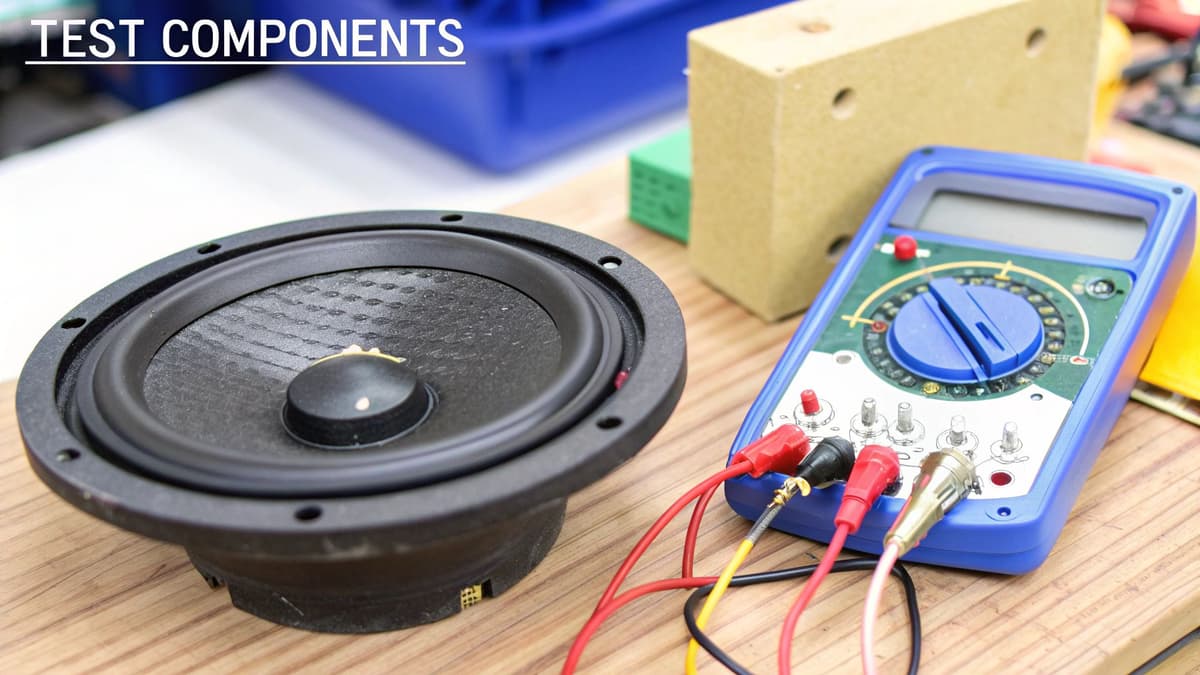
Before we dive into troubleshooting your sound system, let's talk tools and prep. Forget those guides recommending a mountain of expensive gear you'll use once. From my experience, and chatting with tons of audio techs, the essentials are simple: a multimeter (a $30 model works perfectly), a smartphone with a decibel meter app, and a flashlight. Seriously, that's it. The key isn't fancy equipment; it's knowing how to use the basics effectively. I've watched pros diagnose crazy issues with just a multimeter and years of experience.
This screenshot from Wikipedia shows a standard digital multimeter. See all those settings? They let you measure voltage (AC and DC), current, resistance, and other electrical properties. This makes a multimeter incredibly useful for sound system troubleshooting, letting you check everything from power to cables.
Now, let's talk prep. Documenting your setup before changing anything is a lifesaver. Snap some photos. Sketch a quick diagram of your connections. It might seem boring now, but trust me, hours into troubleshooting, you’ll thank yourself. Check out our guide on buying used audio equipment for more setup tips. Good documentation can save you a huge headache.
Safety First
Troubleshooting sound systems involves electricity, especially with powered speakers and amps. A lot of DIY guides skip over this, but working with audio gear has risks. Always unplug equipment before connecting anything, and never touch exposed wires. It sounds obvious, but it's easy to forget when you're in the zone.
Essential Preparation Steps
Here are some practical steps to make sure you're ready:
Visual Inspection: Look over all cables and connections for any visible damage or loose connections. You'd be surprised how often this finds the problem right away.
Power Check: Make sure everything is getting power. This means checking outlets, fuses, and power switches.
Documentation: Take clear photos of your entire setup – cables, connections, everything. This will be your guide if something goes wrong.
Connection Map: Draw a diagram or make a list of all connections. This is especially helpful for complicated setups with lots of components.
These prep steps, along with the right tools, will set you up for success. Being proactive will save you frustration and potentially some cash. Now that we've got the basics, let's move on to diagnosing common issues.
Diagnosing Connection and Power Issues
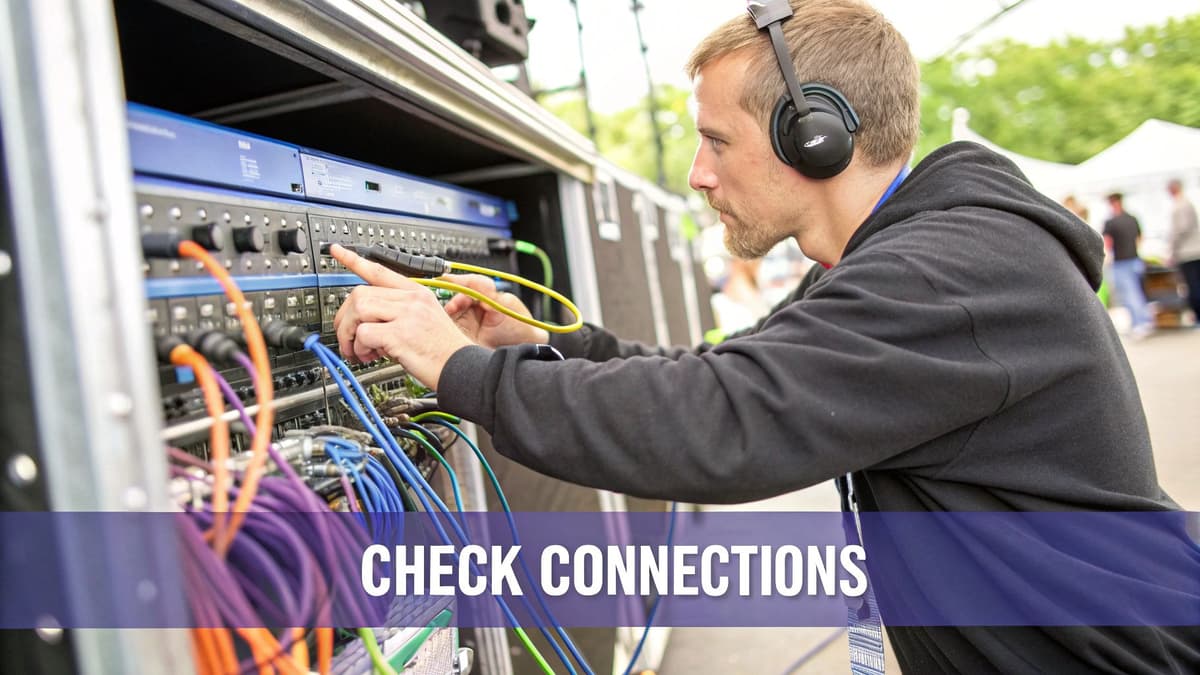
Nothing kills a gig faster than dead air. You hit play and…nothing. Silence. Power and connection issues are the most frequent headaches in sound system troubleshooting. They’re also deceptively tricky. The biggest trap? Assuming it's the obvious stuff. That silent speaker might not be a blown fuse; it could be a loose connection miles away in signal chain terms. I've learned the hard way to follow the pros and trace the signal methodically, from source to speaker, checking every single connection.
Intermittent problems are a special kind of nightmare. Your system works perfectly during testing, then goes belly up an hour into the show. The real trick is recreating the problem reliably. That’s where DIY troubleshooting often falls apart. When you're chasing connection gremlins, don't forget the often-overlooked audio interface for beginners. It can be a hidden source of trouble.
Power Problems: Beyond the Fuse
A flickering power light doesn't always scream "blown fuse." It might be a dying capacitor, slowly giving up the ghost. Randomly swapping cables usually just adds to the chaos. Speaking of power, the consumer electronics repair market, which includes sound systems, is expected to hit $8.81 billion by 2029. It's growing at a 2.3% CAGR, covering everything from studio monitors to portable Bluetooth speakers. Around 40% of service requests are for troubleshooting audio equipment malfunctions, including power and connection woes. You can dig deeper into this at the consumer electronics repair market. Proof that these problems are incredibly common.
Systematic Testing: The Art of Finding the Culprit
Effective troubleshooting is all about method. Here’s a simplified take on how the pros track down problems:
Visual Inspection: Start with the obvious. Frayed cables, loose connections, blown fuses. You’d be amazed how often the problem is staring you right in the face.
Power Source: Begin at the outlet. Is it live? Test it with a lamp or something else. Then check power cables to every component. A multimeter can confirm voltage if you're feeling extra thorough.
Signal Path: Follow the audio like a detective. From the source (your mixer, phone, whatever) all the way to the speakers. Test every single connection. Swap cables if you have even a whiff of suspicion. Our page on cables and connectors has more info on that.
Isolate Components: Disconnect everything except the source and a single speaker. Test. If it works, add another component to the chain. Repeat until you find the troublemaker.
This systematic approach is how you find the real problem, not just the symptom. Check out our brand page for more manufacturer-specific tips. And always document your process! Photos, notes, diagrams – it all helps if you need to retrace your steps.
Tackling Audio Quality and Performance Problems
So, your sound system powers on, but it sounds absolutely dreadful. This, my friend, is a whole new level of troubleshooting. Static, distortion, weird intermittent noises… these can come from so many places, and misdiagnosing them often means you end up replacing perfectly good equipment. Trust me, I've been there.
From my experience, most people's initial guesses about audio problems are way off. That crackling isn't always a blown speaker, you know? It could be a dirty potentiometer, a bad cable, or even interference from something as simple as your phone charger! It's all about learning to distinguish between speaker damage, amplifier clipping, and source problems. That takes a trained ear and, more importantly, a systematic approach.
Professional audio technicians have their tricks for isolating problems, and you can learn them too. It’s all about tracing the signal path, testing individual components, and using simple tools like multimeters to pinpoint the real culprit. You’d be surprised how effective this can be. If you're looking for more tips, we've got a great article on how to tune a sound system.
Remember that crackling sound we talked about? Maybe it’s not the speaker at all, but a failing cable. Our cables and connectors page is a good resource if you suspect cable issues. This systematic approach saves you from just throwing parts at the problem and hoping for the best.
Using Objective Testing Methods
Your ears can play tricks on you. What sounds like a speaker problem might actually be distortion coming from the amplifier. That's where objective testing comes in. It helps you avoid those expensive mistakes. Something as simple as a decibel meter app on your smartphone can accurately measure sound levels, helping you identify where the signal is getting lost or distorted. Check out our model index to explore some equipment options and learn more about audio management within your setup.
This lets you confirm whether a speaker is genuinely underperforming or if the problem is further up the chain. Combining what you hear with objective measurements is how you develop real diagnostic skills – the kind that save you money in the long run.
To help you further, I’ve put together a handy table summarizing a systematic approach to troubleshooting common audio issues.
Audio Problem Diagnosis Matrix: Systematic approach to identifying audio quality issues and their likely sources
| Symptom | Likely Component | Test Method | Solution Priority |
|---|---|---|---|
| Static/Hiss | Cables, Connections, Preamp | Swap cables, clean connections, test preamp input | 1 (easy to check) |
| Distortion/Clipping | Amplifier, Speaker | Check amplifier gain, inspect speaker cone | 2 (requires some tools) |
| Intermittent Sound | Loose connections, Faulty cable, Power issues | Wiggle connections, swap cables, check power supply | 1 (easy to check) |
| Low Volume | Speaker, Amplifier, Source | Test speaker with another source, check amplifier settings, verify source output | 2 (requires some tools) |
| Hum/Buzz | Grounding issue, Interference | Check grounding connections, move cables away from power sources | 3 (can be tricky) |
This matrix gives you a starting point for diagnosing your audio woes. Remember, a methodical approach beats guesswork every time. Start with the easy checks and work your way down.
Wireless and Smart System Troubleshooting
Wireless sound systems are amazing for their convenience, right? But sometimes, troubleshooting them can feel like a total headache. One minute your Bluetooth speaker is working perfectly, the next it's mysteriously disappeared from your phone. Multi-room systems can randomly decide to ditch a speaker, and your smart assistant might suddenly go deaf when you ask it to play some tunes. Troubleshooting in the wireless age definitely requires a new way of thinking.
This added complexity comes from the very nature of wireless technology. We're dealing with invisible things like interference, limitations in how devices talk to each other (protocols), and the unique quirks of each brand. From my own experience battling countless wireless setups, I can tell you that hardware failure is actually pretty rare. Usually, the problem boils down to interference or a simple configuration issue – and both often have easy fixes. You might find our guide to wireless microphone setup helpful, as many of the same principles apply.
Identifying Interference Sources
Imagine your wireless audio signal is a conversation in a packed room. Too many people talking at the same time (other wireless devices, microwaves, even some LED lights) creates a chaotic mess that drowns out your signal. Pinpointing these interference sources is the first step.
Try a few simple things: move your router, temporarily disconnect other wireless devices, or even just reposition your speaker. You'll be amazed at how much a small change in location can make.
Firmware Frustrations and Fixes
Firmware updates are supposed to make things better, but they can occasionally introduce unexpected problems. This is especially true with smart speakers and multi-room systems, where software is so vital. If you notice a problem after a recent update, head to the manufacturer’s website to see if they've listed any known issues or offer ways to roll back to an older version. It's worth noting that the professional audio and video repair market, which includes complex sound system troubleshooting, reached an estimated $25.7 billion worldwide in 2023 and is expected to hit $40.1 billion by 2030. This shows just how much the need for specialized help with these intricate systems is growing. Check out the full research on the growing audio and visual repair services market.
Multi-Device Conflicts and Solutions
Connecting many devices to the same wireless network or Bluetooth source can cause conflicts. This happens a lot with smart assistants and multi-room audio. Try disconnecting devices you don't absolutely need to pinpoint the issue. Also, look at your network settings for device prioritization. This lets you give your sound system priority over less important devices.
Voice Control Troubleshooting
Voice-controlled systems add another layer of complexity. Where you place the microphone, background noise, and even the acoustics of the room can impact how well a smart assistant hears you.
- Try moving the device.
- Reduce background noise.
- Speak clearly.
- Double-check that your device’s software and language settings are correct. This is often overlooked but is crucial for how the device interprets what you say.
Take a look at our community listings to see what other users have experienced with similar setups.
When to Call the Professionals
Let's be honest, sometimes troubleshooting your sound system feels like battling a hydra – you fix one thing, and two more problems pop up. There's a fine line between a satisfying DIY fix and a money pit, and knowing when to call in a pro can save you a ton of cash. Trust me, I've learned this the hard way, turning a $100 issue into a $500 disaster. Think of it this way: persistence is great, but sometimes it just morphs into expensive stubbornness.
There are some tell-tale signs your sound system needs a professional. If your amplifier smells hot, you hear grinding noises from your speakers, or the whole system randomly shuts down, stop what you're doing. These aren't minor hiccups; they're serious issues that need expert attention. That burning smell, for instance, might mean your power supply is failing – not something you want to tinker with. Grinding speaker noises often indicate a blown voice coil, a repair best left to experienced hands. For a deeper dive into professional audio repair, check out this guide: pro audio repair.
Repair vs. Replacement: The Economic Reality
One of the trickiest parts of troubleshooting is figuring out if it's worth fixing at all. Sometimes, pouring money into an aging system is like trying to fill a leaky bucket. Consider the age of your gear, the estimated repair cost, and the price of a new, comparable system. A good rule of thumb: If the repair quote is more than half the price of a new setup, upgrading is often the smarter move. However, with high-end or vintage equipment, repair might be the more economical and sentimental choice. Need some ideas for replacements? Browse our category page for speakers.
Getting Honest Assessments from Repair Shops
Finding a reliable repair shop is like finding a good mechanic – it's invaluable. Don't be afraid to ask potential shops about their experience with similar systems, their diagnostic procedure, and whether they provide upfront cost estimates. Transparency is key. A trustworthy shop will clearly outline their pricing and won’t suggest unnecessary repairs. You can also tap into our community for recommendations. Check out our community listings page for insights from other users.
Communicating Effectively with Technicians
Clear communication is essential. When describing the issue to a technician, be as specific as possible. Don't simply say, "It's making a weird noise." Tell them what kind of noise – is it a hum, a buzz, a crackle? – and when it happens. The more details you provide, the quicker they can diagnose the problem. Need help describing audio issues? Our blog has articles to help you pinpoint those sonic gremlins.
Prevention and Maintenance Strategies
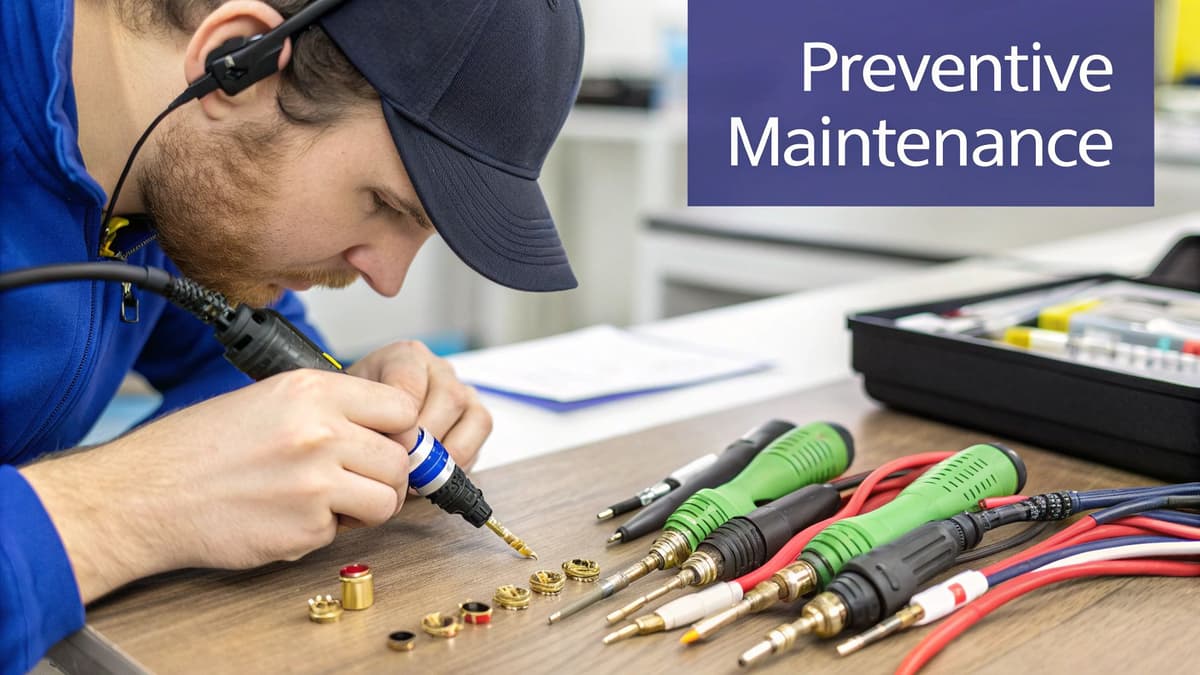
Sound system troubleshooting? Ugh. Honestly, the best kind of troubleshooting is the kind you don't have to do. So let's talk about real-world maintenance – the stuff that actually prevents those audio headaches before they even start. Don't worry, I'm not suggesting you become an audiophile obsessive. Just some simple routines to keep your gear happy. I've picked up a few things from repair techs over the years (they see the same preventable problems over and over again), and I'm happy to share.
One of the biggest culprits? The environment. Think dust, temperature swings, and humidity. Most people don't give them a second thought, but these factors can really mess with your equipment. Dust buildup inside components leads to overheating and even short circuits. Extreme temperatures can damage sensitive electronics. And humidity? Corrosion city for your connections. Simple solutions like covering your gear when it's not in use, using a dehumidifier in damp environments, and making sure your system has good ventilation can add years to its life. Check out our blog for more detailed articles on how to protect your gear from the elements.
Smart Setup for Long-Term Reliability
Setting up your system correctly is like preventative medicine. Take cable management, for example. Tangled cables aren't just ugly; they can cause interference and weaken your signal. Using cable ties and organizers keeps things tidy and minimizes the risk of accidental disconnections. Ventilation is also crucial. Amplifiers generate heat, and if they're crammed into a tight space without enough airflow, they can overheat and die. Give your amp some breathing room! These simple setup steps can save you serious grief later on. Our page on cables and connectors offers more tips on proper cable management. And if you’re thinking about upgrading, browse our product listings – we've got a wide selection of audio equipment.
Maintenance That Matters
Not all maintenance tasks are created equal. Some are absolutely essential, while others are more about keeping things looking nice than actually improving performance. Regular cleaning, checking connections for tightness, and inspecting cables for damage – these are the big ones. On the other hand, obsessively cleaning contacts with fancy solutions or replacing cables every few months is usually overkill. It's all about balance – proactive maintenance without the unnecessary fuss. Here's a simple checklist to get you started:
- Monthly: Dust off your components, check all connections, and give everything a listen for any weird noises.
- Quarterly: Clean connectors with a soft cloth, inspect cables for wear and tear, and test all the functions to make sure things are working as they should.
- Annually: If you're using your system a lot, or if you notice any persistent issues, it's a good idea to have a professional take a look.
Building these habits will keep your system running smoothly without turning audio enjoyment into a chore. Need help finding the right cleaning supplies or maintenance tools? Check out our Gearsupply Marketplace – they've got everything you need.